
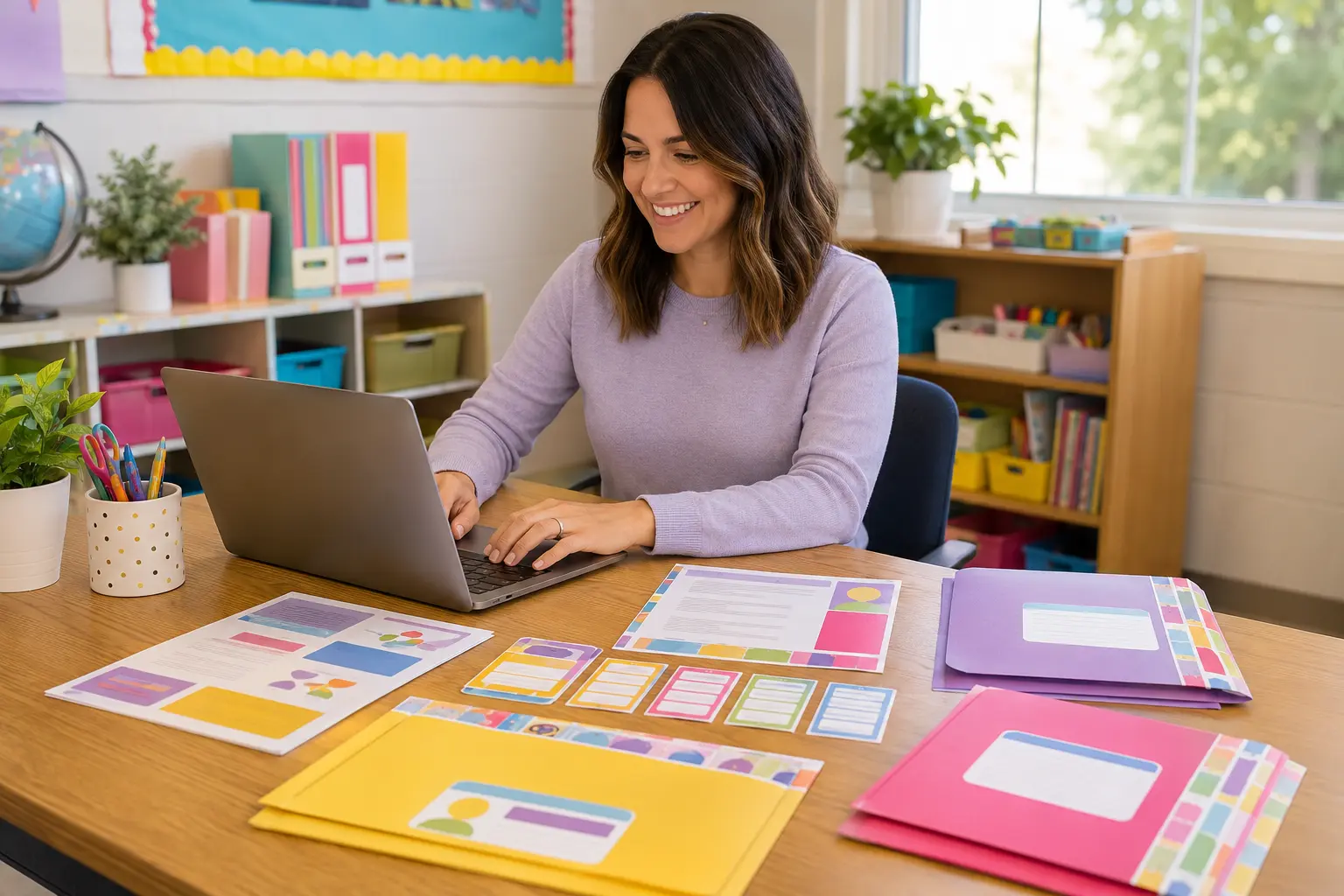
Most classroom prep does not feel difficult because of one big task. It feels difficult because the same small details—your name, room number, contact information, and classroom messages—must be typed again and again.
The real time drain is repetition
When information lives in separate files, every change creates another round of editing. A corrected room number might need to be fixed on a welcome letter, contact card, classroom sign, folder cover, and family handout.
A faster three-step workflow
1. Collect your repeated information first
Before opening individual pages, gather the details you use across the set: teacher name, grade, room, school, email, phone, and short family messages.
2. Type once on the master page
Use the master Auto-Fill fields instead of editing each printable separately. For best results, download the PDF and open it in the free Adobe Acrobat Reader desktop app.
3. Print only what your classroom needs
A coordinated kit does not mean you must print every page. Choose the pieces that match your setup, verify one test page, and then print the final quantity.
Build one repeatable back-to-school system
Save your blank master file, keep a clearly named working copy for the school year, and store printed samples with your classroom setup notes. Next year, you will update a few fields instead of rebuilding everything.
Want to try the type-once system for free?
Start with editable Teacher Contact Cards and get the coordinating Auto-Fill Parent Communication Bonus Kit.
Get the free teacher kitExplore more teacher tips →